Backing Up Your Diary Data
To keep your data safe in case something goes wrong, we recommend one of the following.
1. Save to a different drive
In case your PC's built-in drive fails, set the backup location to a physically separate drive—such as an external HDD or a USB drive—from the one where your diary data is stored.
2. Back up to online (cloud) storage
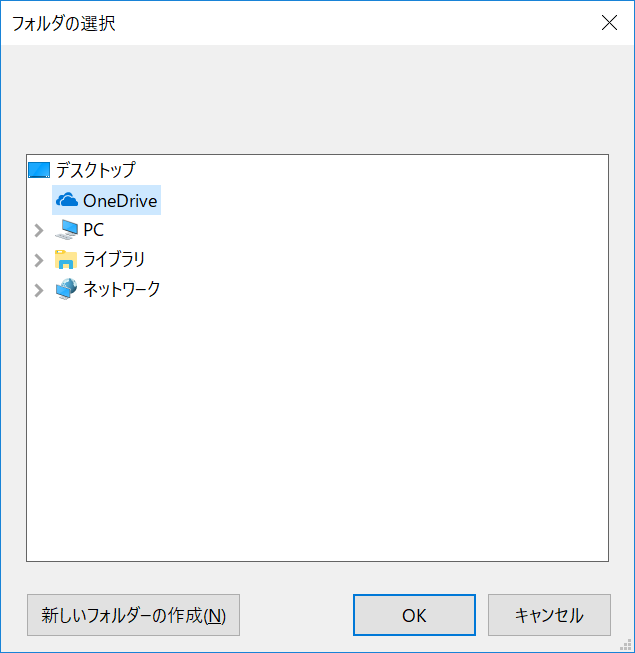
By saving to the cloud—OneDrive, iCloud, Google Drive, and so on—you can protect your diary data even if your PC is lost or a disaster strikes.
(Example: choosing OneDrive)